Delivery Service Screens
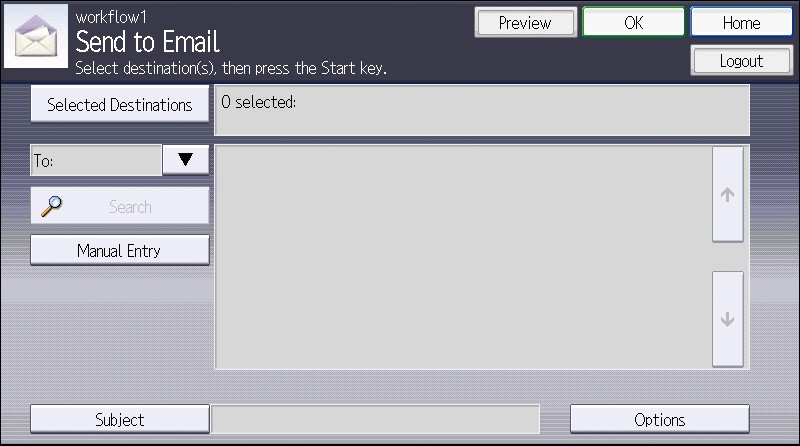
Use the Delivery Service screens to configure the delivery destination settings.
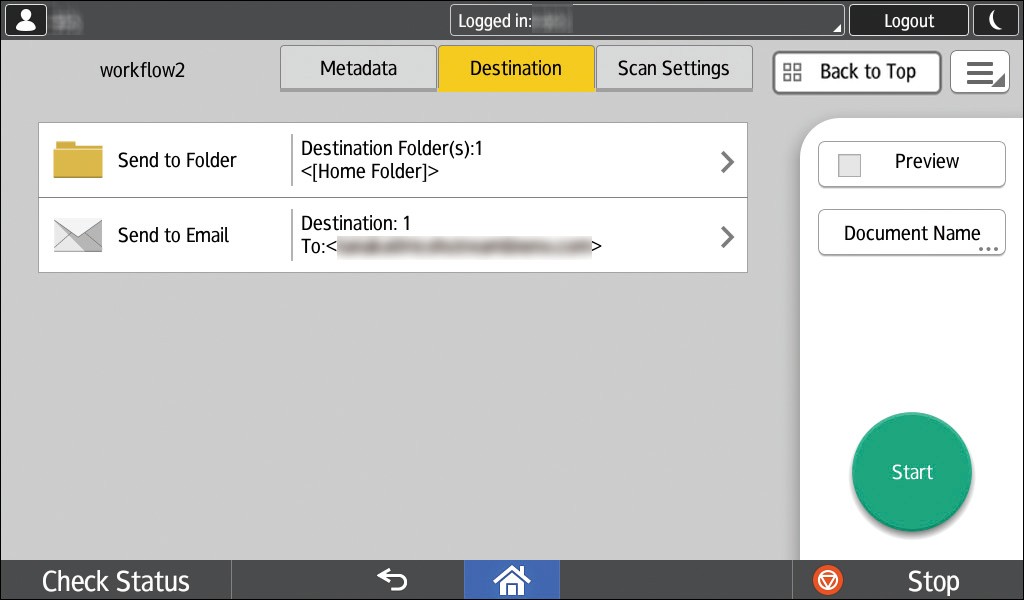
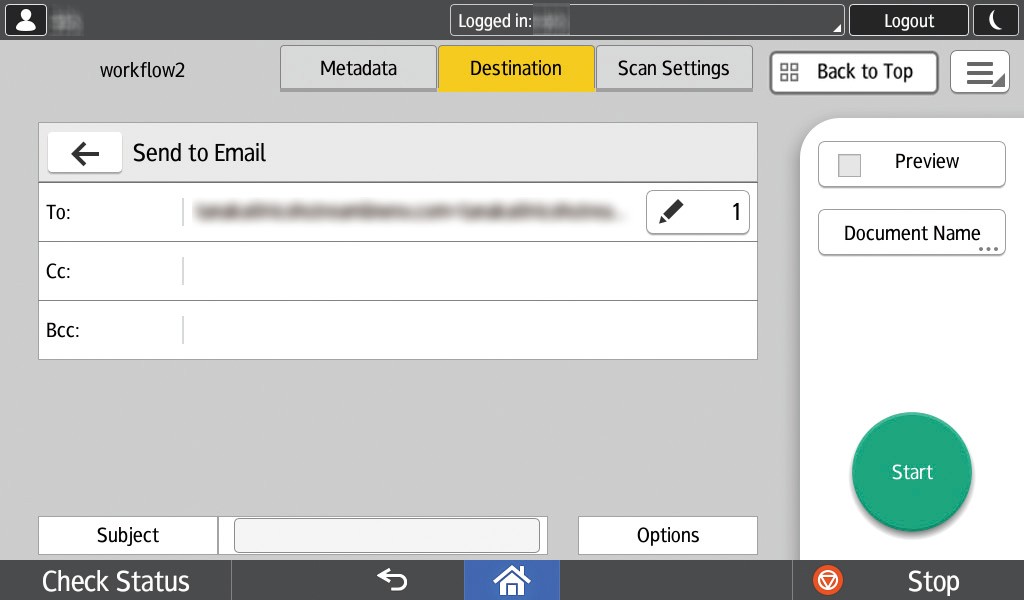
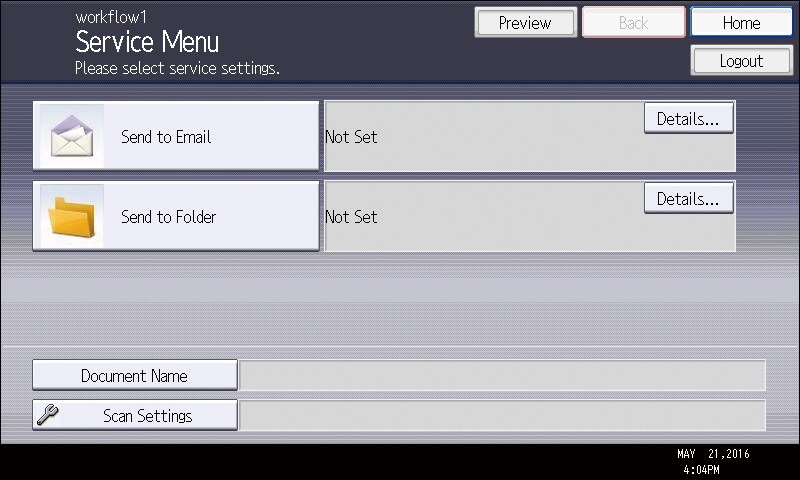
To display a Delivery Service screen when using the Smart Operation Panel, press [Destination] at the top of the screen and select a delivery service on the Service Menu screen that is displayed. To display a Delivery Service screen when using the Standard Operation Panel, select a delivery service on the Service Menu screen that is displayed after selecting a workflow or entering metadata.
For workflows that contain only one delivery service, the Delivery Service screen is displayed immediately and the Service Menu screen is not displayed when you are using Smart Operation Panel in Smart Operation mode.
Example of Service Menu screen (when using the Smart Operation Panel)
Example of Delivery Service screen (when using the Smart Operation Panel)
Example of Service Menu screen (when using the Standard Operation Panel)
Example of Delivery Service screen (when using the Standard Operation Panel)